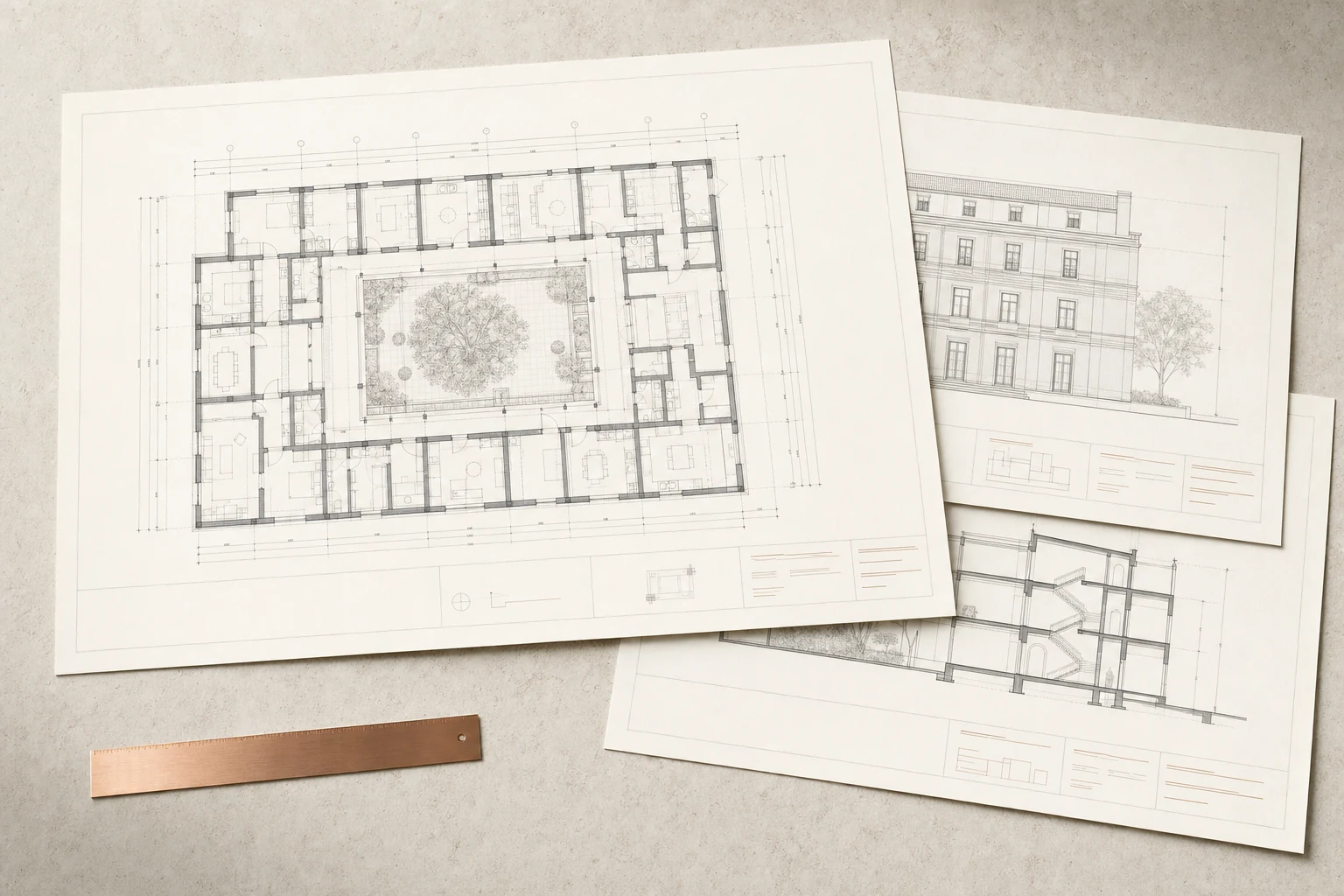
HOW IT WORKS
A production workflow your team can review.
Start with a bounded task, supply the standards that shape the result, and keep approval connected to execution.
01Start with the drawing intent
Define which floor or area needs documentation, which views are required and how the output will be reviewed. Supply the relevant templates, annotation types and sheet conventions. A documentation request should describe an expected package, rather than leave view coverage or drawing purpose implicit.
02Connect views, dimensions, tags and sheets
These are linked parts of a production workflow. A view establishes the context; dimensions and tags communicate the information; sheets organize it for delivery. Review the proposed view selection, naming and placement as one plan so the result is coordinated across the package.
03Keep human review in the drawing loop
Check annotation legibility, overlapping information, scale, sheet coverage and any missing references. Items requiring interpretation should remain visible. A completed production action is not the same as approval to issue a drawing, and a clean automated checklist does not replace design judgment.
04Define the edges of your package
Schedules, details and other drawing conventions differ by firm and project. Include examples when discussing your workflow so support can be confirmed for the actual package. Do not assume every annotation or export operation is available from the examples shown here.